Google Chrome
140.3 KB · Nov. 15, 2026
SHA-256: 4c523af3b763d988a37198e2c780da3ebf0482c08c0cf6f7fdc9e3a8af425a30


Takes profiles from LinkedIn and XING into RIVUS360 with one click — as a contact, on an import list or straight to the parser.
Install from the store for automatic updates, or download the package directly when a new version is needed right away.
140.3 KB · Nov. 15, 2026
SHA-256: 4c523af3b763d988a37198e2c780da3ebf0482c08c0cf6f7fdc9e3a8af425a30
140.3 KB · Nov. 15, 2026
SHA-256: 4c523af3b763d988a37198e2c780da3ebf0482c08c0cf6f7fdc9e3a8af425a30
In preparation. This version will be offered here as soon as it is ready.
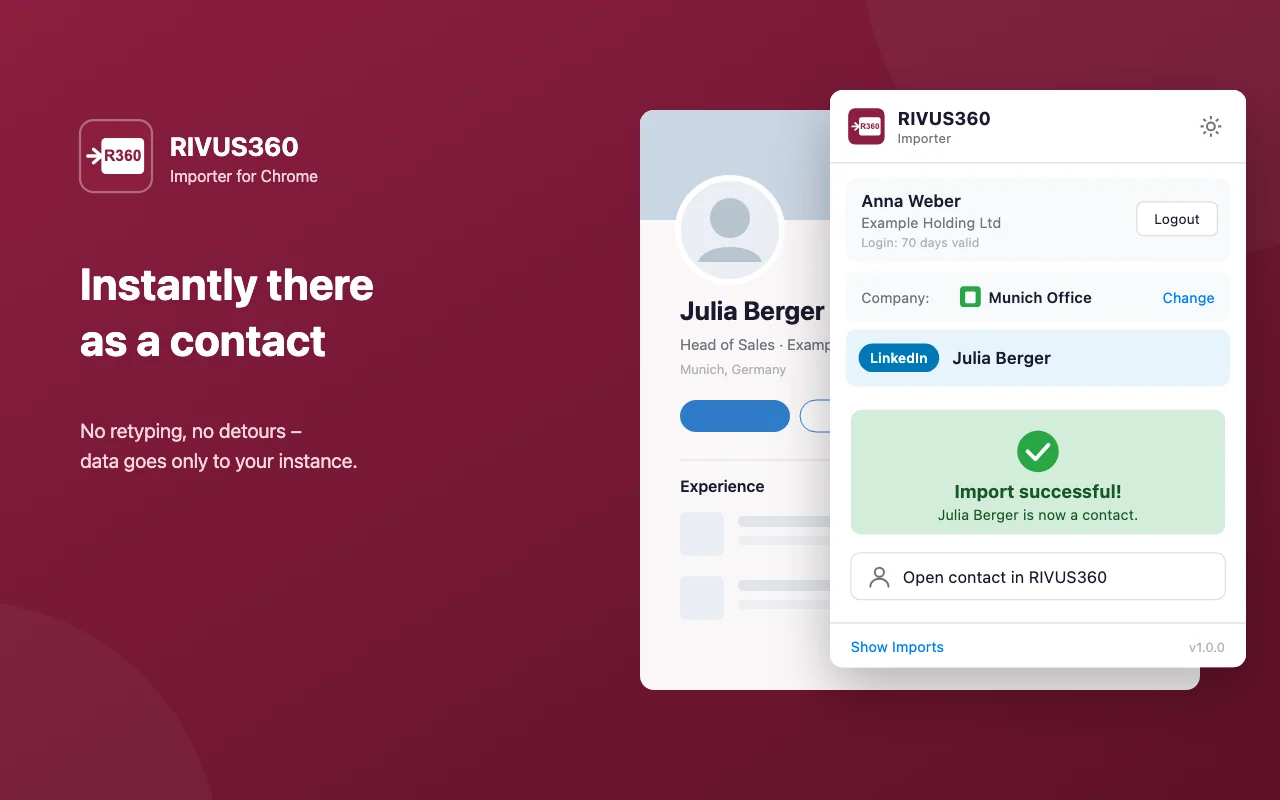
No more copying names, positions and companies by hand.
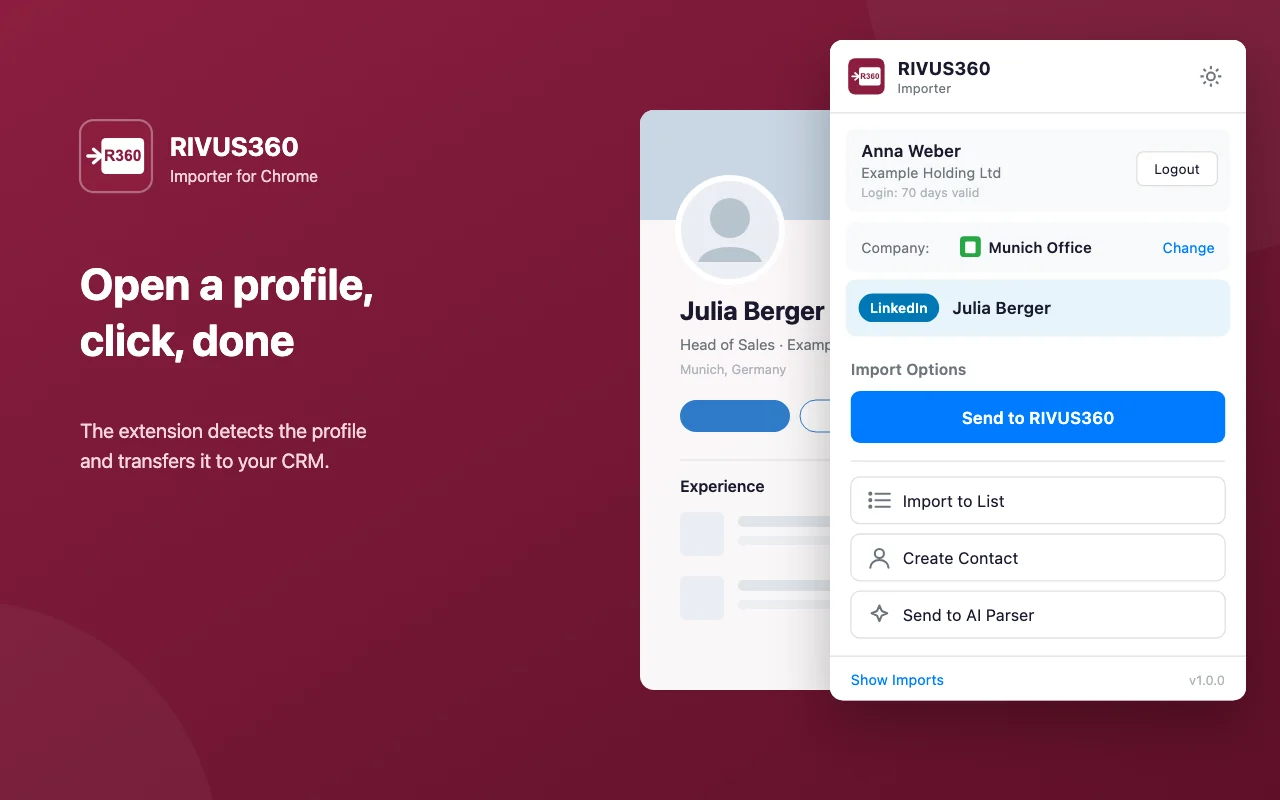
The Importer recognises the open profile and prepares name, position and company for the CRM.
Create a contact right away, collect profiles on an import list for later, or send them to the parser for detailed processing.
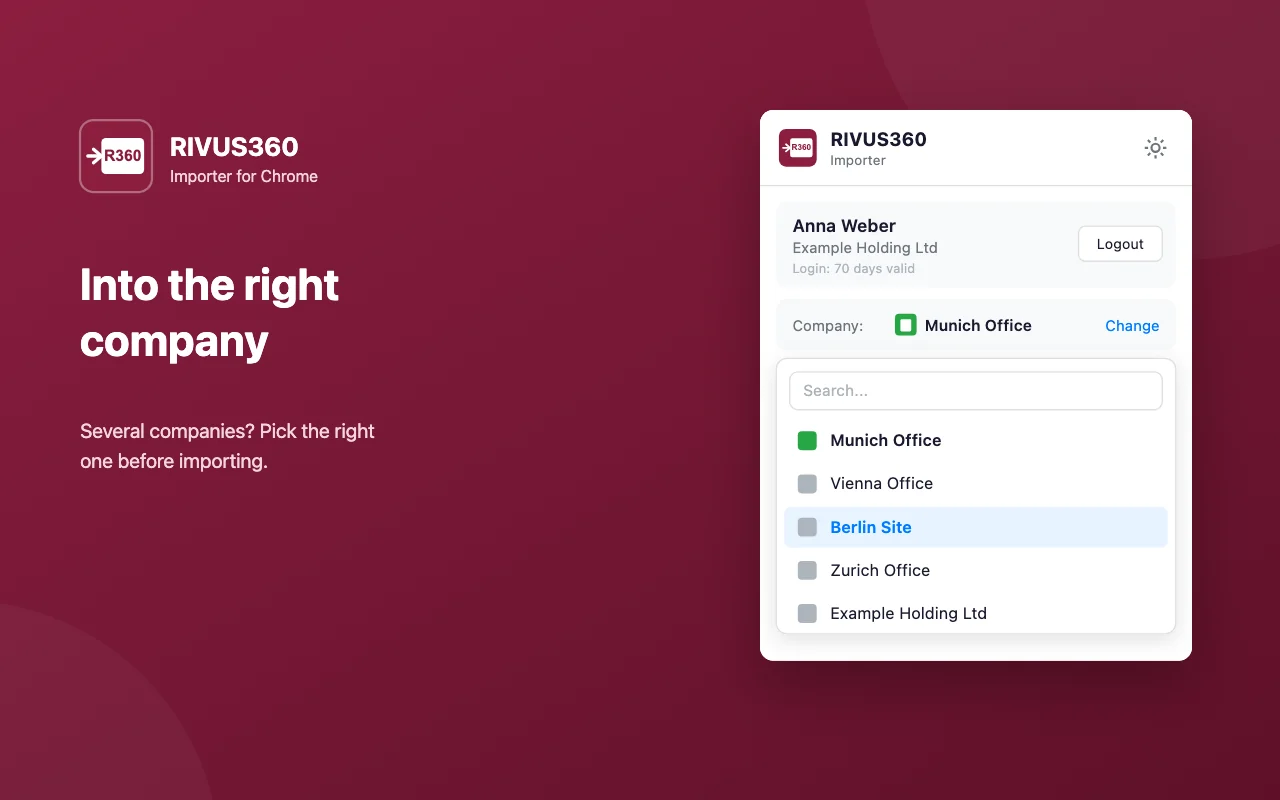
Working for more than one company in the platform? The right one is selected before importing.
Works directly on LinkedIn and XING profile pages — open a profile and the Importer is ready.
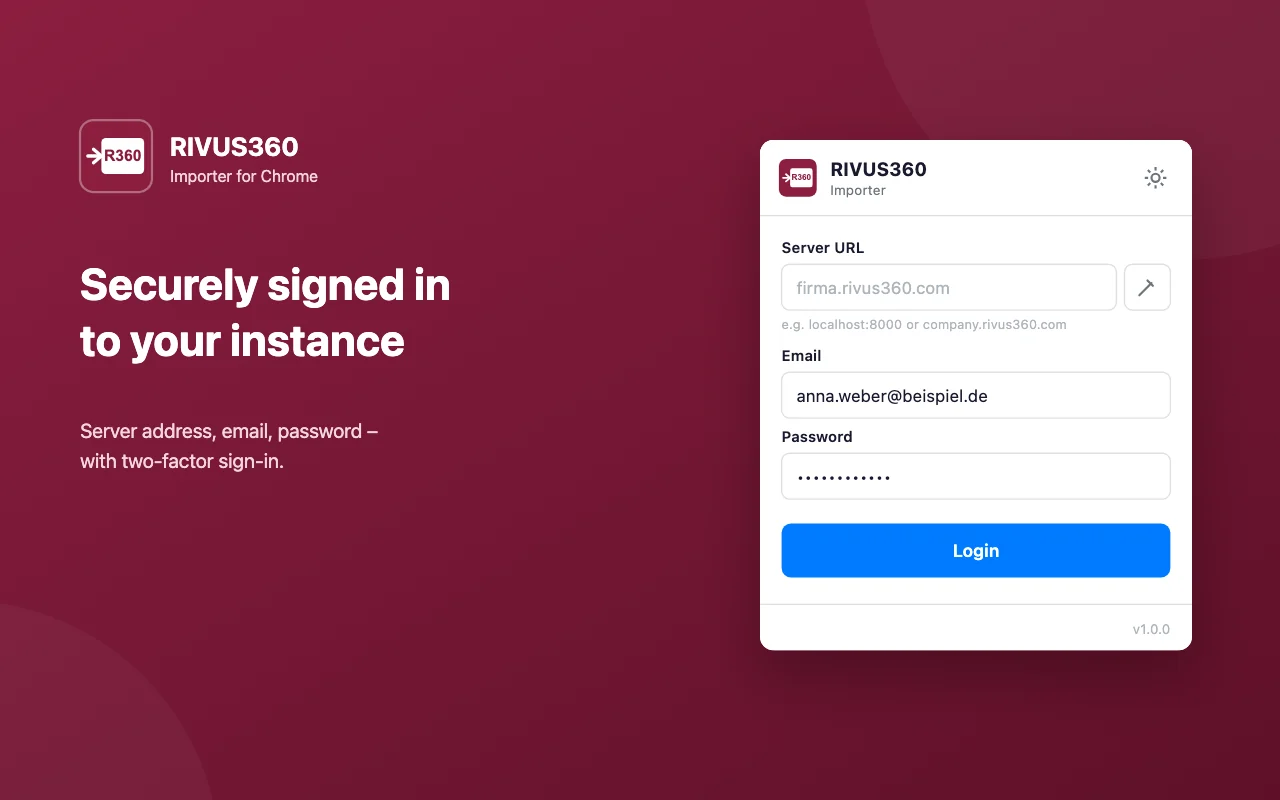
RIVUS360 credentials with two-factor authentication. The sign-in renews in the background and stays active.
The interface follows the browser language — German and English today.
Every permission explained in plain words. Data is read only on a click, and sent only to the company's own RIVUS360.
activeTab · scriptingtabsstoragealarmsBoth ways install the same extension. The difference is how fast updates arrive.
A free browser extension for Chrome and Edge that takes contact details from LinkedIn and XING profiles into RIVUS360 with one click — as a contact, on an import list or to the parser.
Google Chrome and Microsoft Edge. A Safari version for macOS is in preparation and will come through Apple's App Store.
No. The extension itself is free; it requires a RIVUS360 account on the Pro or Enterprise plan.
Only to the company's own RIVUS360 instance. The extension sends nothing to third parties and reads a page only when the Importer is clicked.
Both install the same extension. The store version updates automatically; the direct download (ZIP) is available right after a release and is updated by replacing the folder contents.
Every ZIP file is listed with its SHA-256 checksum. If the checksum of the downloaded file matches, the file is unchanged.
Yes. Sign-in uses the RIVUS360 account including two-factor authentication; the extension can do exactly what that account is allowed to do.
An active RIVUS360 account on the Pro or Enterprise plan with the Chrome Importer app enabled, and a current version of Chrome or Edge.
Stuck during installation or looking for details? The documentation explains every step.